
Commercial inspection solutions
Commercial Property Inspection Software for CRE Teams
Manage commercial property audits, surveys, turnovers, and safety checks with mobile forms, detailed photo logs, and reports your team can review and use.
Product examples
See the field record become the finished report
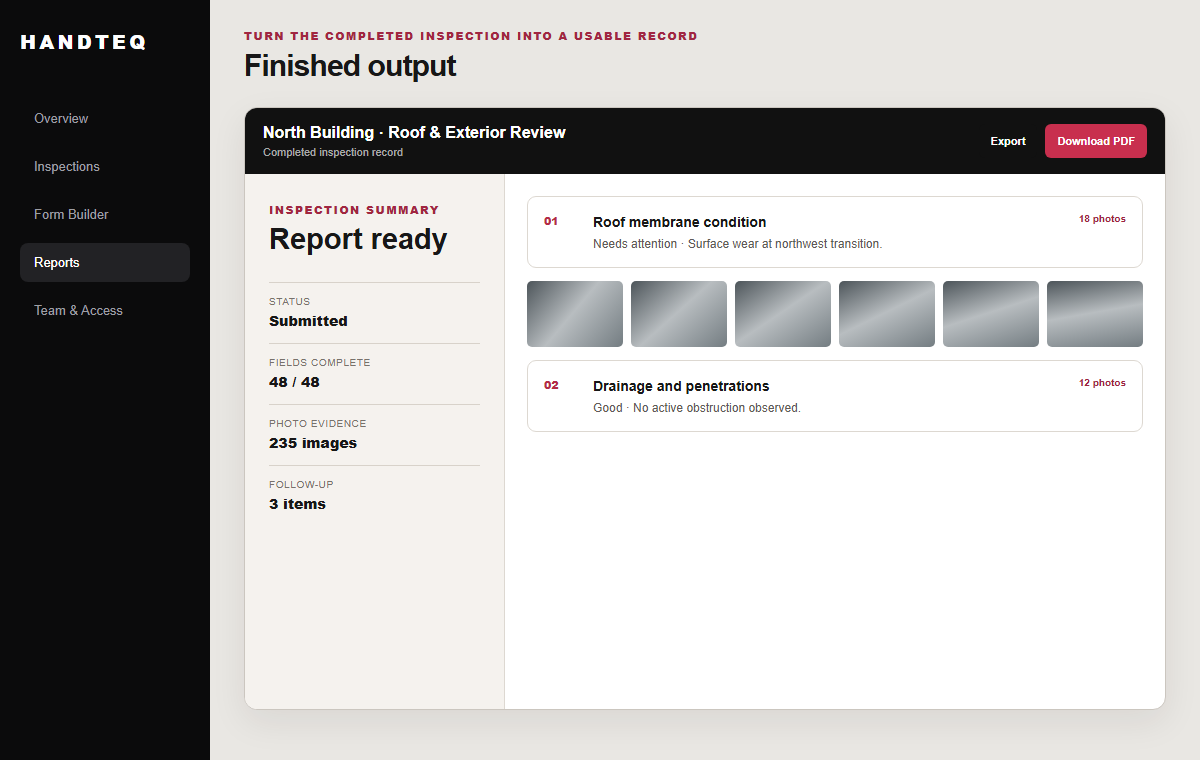
Keep commercial inspection questions and photos connected from field work to a finished report.
Run connected commercial property inspection programs
Give field teams forms suited to the inspection they are doing. Reuse common forms and modules where appropriate, with differences configured for the property, inspection type, or team. Customers can have their own branded iOS and Android inspection app, with availability and scope agreed for their deployment.
A turnover can document an area's condition and follow-up work; a recurring property audit can capture the same observations consistently across visits. Building inspection software focuses on detailed condition surveys of an individual building.
Keep extensive photo logs connected to findings
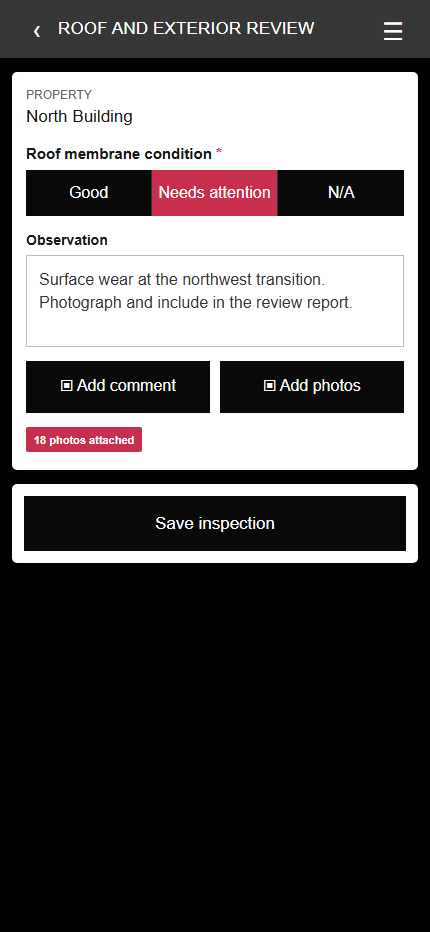
Attach photographs to the inspection questions they document. A roof condition, inspector comment, and supporting images stay together in the submitted record, so a reviewer can assess the finding without sorting through a separate photo folder.
Local drafts, visible upload status, and upload recovery support interrupted field sessions. We confirm connectivity requirements for the configured deployment during setup. Management review and configured reports, PDFs, or exports carry the findings into the next handoff. See the inspection report example.
Get the platform configured and into use
Bring the inspection forms, photo requirements, review steps, and output your team needs. Handteq helps configure the existing platform, test the agreed process, and support rollout and ongoing use. Custom development is available for requirements that configuration cannot cover. How implementation and support work.
If you are comparing a connected inspection platform with general-purpose forms, see the practical differences.